


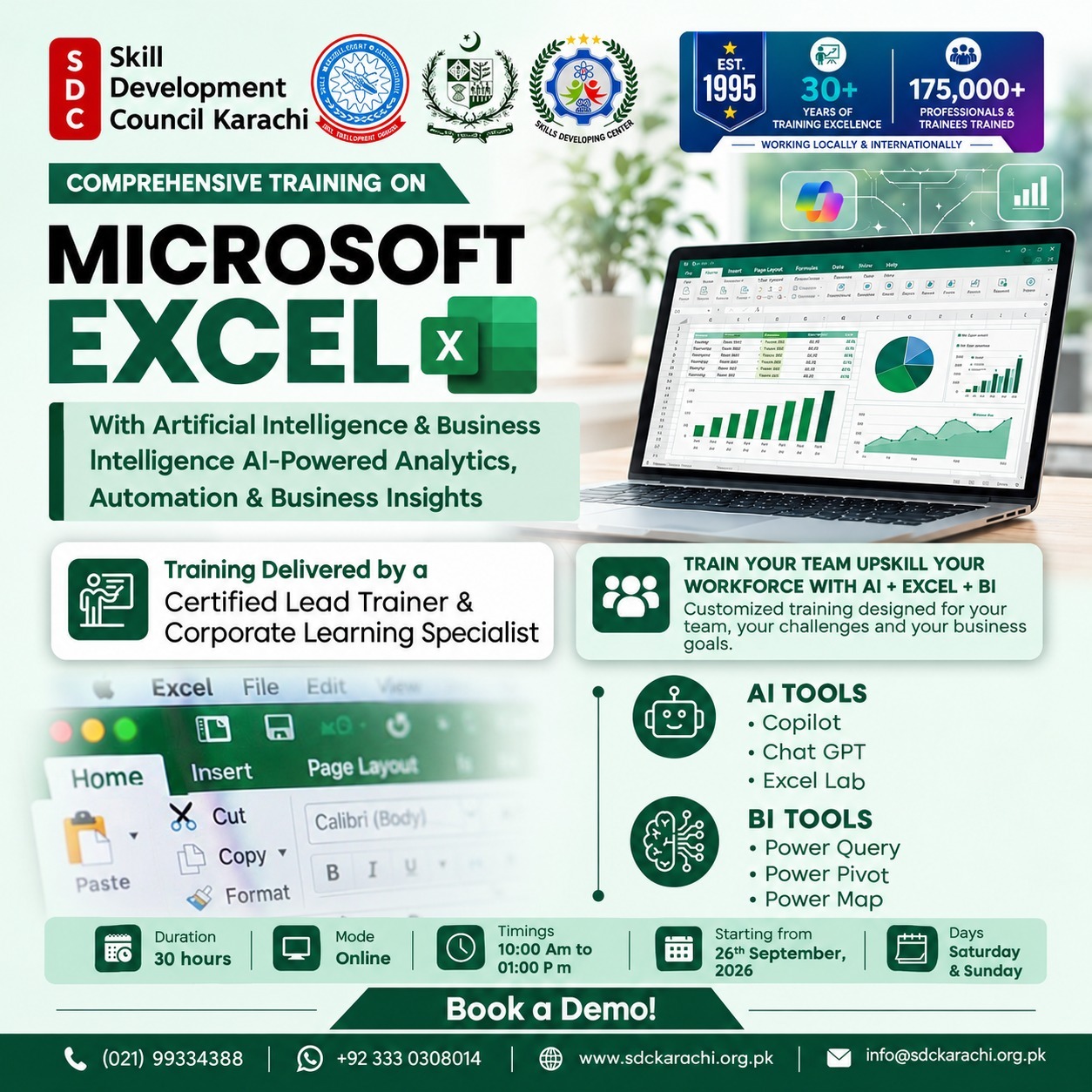
MICROSOFT EXCEL With Artificial & Business Intelligence AI Driven Analytics & Automation
Key Benefits
Learning Outcomes
Key Benefits
- Master modern Excel capabilities for advanced data analysis, reporting and business intelligence.
- Learn how to use Microsoft Copilot and ChatGPT to improve Excel productivity and analytical workflows.
- Develop advanced formula-engineering skills using LET, LAMBDA, IFS, SWITCH and Dynamic Array functions.
- Automate data preparation and transformation using Power Query.
- Learn advanced ETL techniques including Merge, Append, Unpivot, Folder Automation and reusable queries.
- Build professional data models using Power Pivot, relationships, fact and dimension tables, and analytical schemas.
- Develop practical skills in DAX for calculated columns, measures, KPIs and time-based analysis.
- Create interactive and executive-ready dashboards using PivotTables, PivotCharts, Slicers, Timelines and dynamic formulas.
- Use AI-assisted tools for formula generation, explanation, debugging, optimization and analytical insights.
- Learn advanced text processing and data validation using Excel’s modern Regex functions.
- Explore Power Map for geographic and time-based business analysis.
- Understand AI-assisted VBA and scripting for workflow automation.
- Explore Python integration with Excel for advanced data processing, analytics, visualization and predictive modeling.
- Apply Excel AI and BI capabilities to practical business scenarios including Sales, Payroll, HR and Budget vs Actual vs Forecast analytics.
- Build scalable and intelligent Excel solutions with reduced dependency on traditional VBA-based workflows.
Learning Outcomes
Upon successful completion of the training, participants will be able to:
- Build AI-powered Excel analytics solutions using modern Excel, AI assistants and BI tools.
- Use Copilot and ChatGPT for natural-language analysis, formula generation, explanations, debugging and data insights.
- Create advanced formulas using LET and LAMBDA for scalable and reusable analytical solutions.
- Work effectively with Dynamic Arrays and functions such as FILTER, SORT, UNIQUE, SEQUENCE, TAKE, DROP, HSTACK and VSTACK.
- Clean, transform and automate data workflows using Power Query.
- Perform advanced ETL operations including Merge, Append, Unpivot and Folder Automation.
- Build structured data models using Power Pivot and relationships between fact and dimension tables.
- Create calculated columns, measures and KPIs using DAX.
- Apply advanced DAX functions for filtering, context control and time intelligence, including YTD, YoY and moving-average analysis.
- Develop dynamic and interactive dashboards using PivotTables, PivotCharts, Slicers, Timelines and modern Excel functions.
- Apply Regex functions for text extraction, replacement, validation and transformation.
- Use Power Map for geographic and temporal data visualization.
- Generate and work with AI-assisted VBA automation and scripting.
- Integrate Python with Excel for advanced data processing, analytics, visualization and predictive modeling.
- Develop practical business analytics solutions for Sales Performance, Payroll & HR Analytics, and Budget vs Actual vs Forecast.
- Deliver scalable, automated and executive-ready Business Intelligence solutions within Excel.
Day
Saturday & Sunday
Timing
10:00 AM to 01:00 PM
Duration
2-Months
Registration Fee
Rs. 2,000
Training Fee:
40,000
Start Date
26th September, 2026
Day
Saturday & Sunday
Timing
10:00 AM to 01:00 PM
Registration Fee:
Rs. 2,000
Training Fee:
40,000